
PC control application (WX9K Navi)
About WX9K Navi
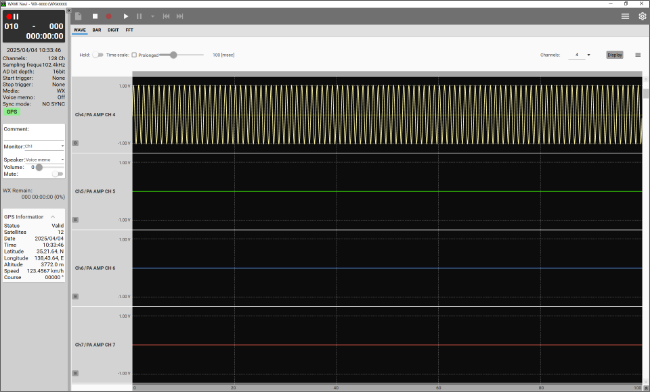
This is a dedicated software for the WX-9000 that enables setting of recording conditions, data recording, and waveform display via a network between the WX-9000 wideband data recorder and a PC.
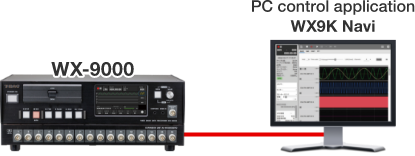
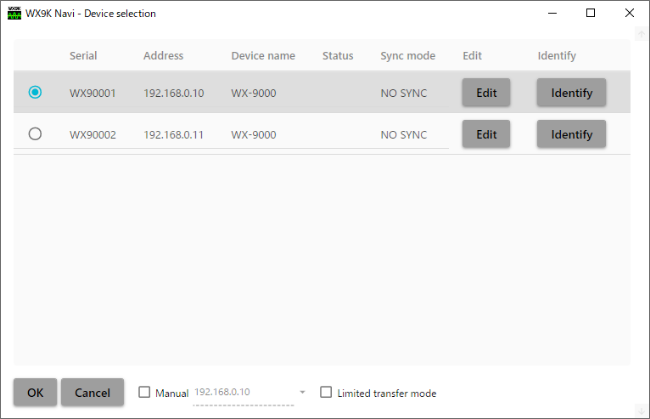
What you can do with WX9K Navi
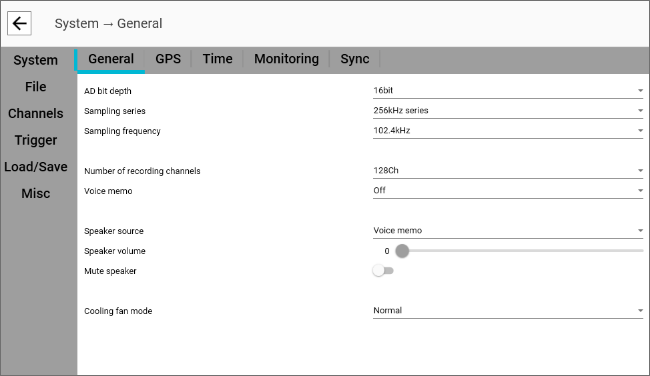
Settings
- Set the recording location
- Set the measurement conditions(Basic settings, GPS, time, trigger, monitor output, synchronization)
Record or Playback
- Data being recorded can be monitored in real time on a computer screen
(Per-channel numerical display, bar meter display, FFT display, waveform display order change, and overlay display are also possible.) - Sensor settings (TEDS or actual input) and post-calibration data can be checked
- Analog output amplifier can be used to check data after recording
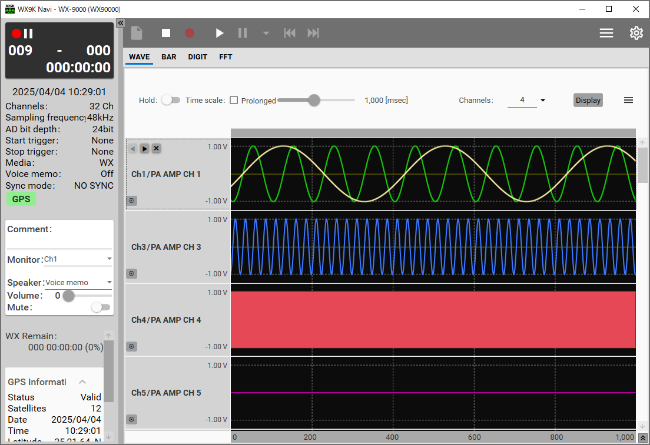
Recording screen
FFT screen
Data processing and analysis using a computer
- Recorded data is saved as TAFFmat (TEAC Data Acquisition File Format) common to all TEAC data recorders.
- Measurement data can be displayed by waveform display software (TX-View)